Below is a clear, source-backed playbook about how to recover deleted photos on Android phones and protect them so the same loss doesn’t happen again.
On modern Android, whether those images are truly gone depends on where they lived (phone storage, cloud, or SD card) and how they were deleted.



First, Understand What “Permanently Deleted” Really Means
On Android and in Google Photos, files usually pass through a Trash/Recycle Bin period before they’re purged.
In Google Photos, backed-up items stay in Trash for 60 days (30 days if they were never backed up).
After that window, Google states plainly: “Items that are permanently deleted can’t be restored.”
Is there any way to recover deleted photos on Android? Maybe.
Android 11’s MediaStore APIs
Android itself also supports a trash concept for media, which is why many gallery and file apps let you “restore” recently deleted items for a short time.
Once a file is truly deleted beyond that grace period, recovery on internal storage becomes extremely unlikely.
Android now uses file-based encryption by default on recent devices, which protects data at rest and limits low-level access after deletion.
Quick Checks You Should Do Right Now
Google Photos Trash (most common): Open Google Photos → Library → Trash. If the photo is there, select it and tap Restore.
Remember the 60-day (backed up) / 30-day (not backed up) window.
Files by Google (local storage): Open Files by Google → Menu → Trash. Restore if present. This applies to files deleted through the Files app itself.
Samsung Gallery (if you use it): Open Gallery → Menu → Recycle bin. Samsung keeps deleted images for 30 days before removal. Restore from there if possible.
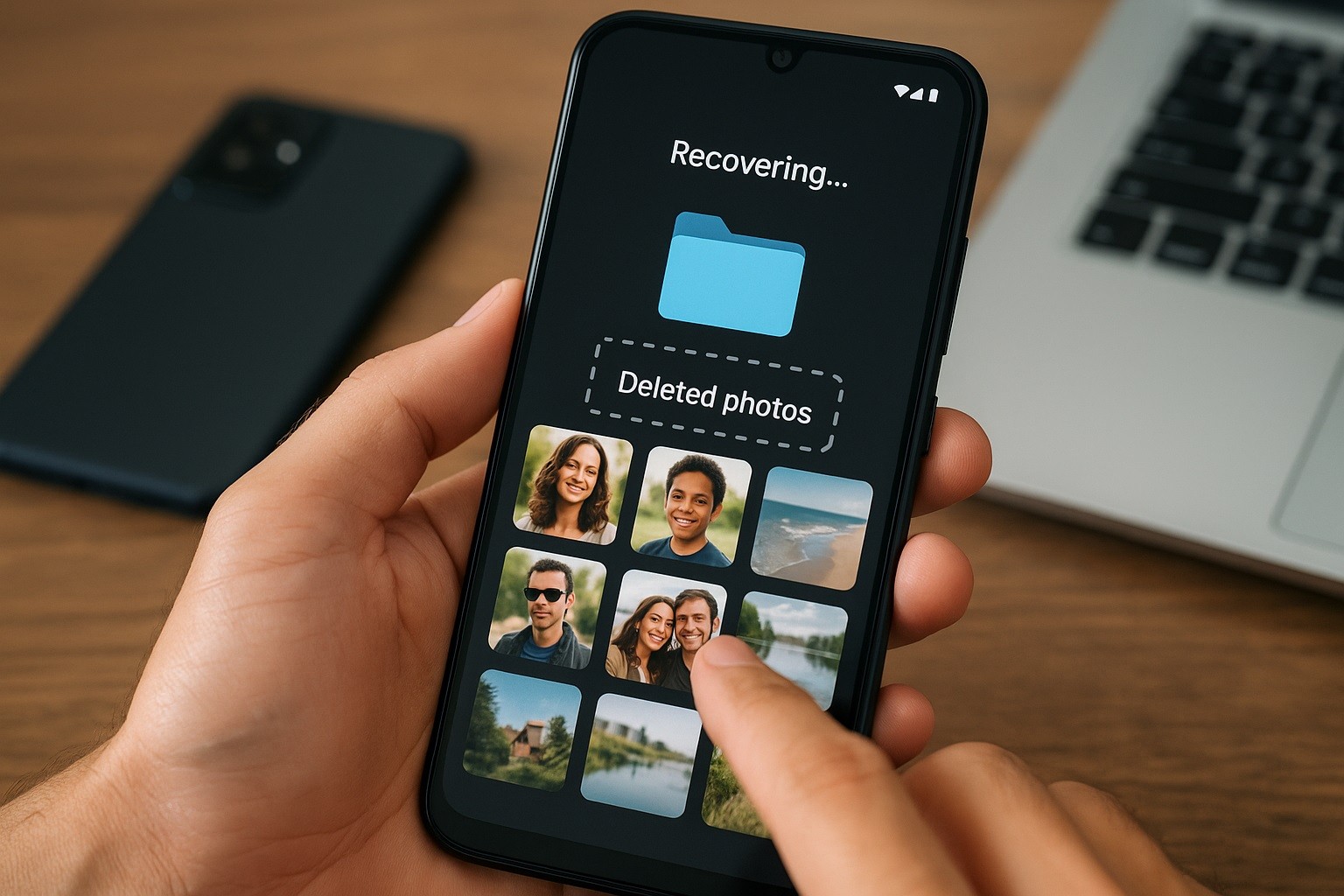
Look in Cloud Accounts That Might Have a Copy
Many Android users also sync photos to a cloud service.
- Google Photos (web): Check photos.google.com → Trash. Same retention rules apply; after the window, it’s not recoverable from Google.
- Microsoft OneDrive (common with Samsung Gallery sync): OneDrive retains deleted items in the Recycle Bin (consumer) for up to 30 days, and Microsoft 365 plans include Files Restore, which allows you to roll back your library to an earlier date (also up to 30 days).
- Google Drive (for images saved outside Photos): Open the Drive app → Trash → restore items if present. Drive-trash items are only recoverable for a limited period before being permanently deleted.
If you rely on any other gallery or messaging app (e.g., a vendor gallery, cloud sync, or chat app that backs up media), check that app’s trash and account as well.
Recover Deleted Photos From SD Card on Android Phone (Portable Storage)
You have the best chance of recovery if the photos were on a removable microSD card used as “portable” storage (not adopted as internal).
Stop using the card immediately. Remove it from the phone to avoid overwriting deleted sectors.
You can recover deleted photos on Android with a computer by scanning the card directly (read-only). PhotoRec (from the TestDisk suite) is a good option.
Important caveat: if you previously formatted the SD card as Adoptable (internal) storage, Android encrypted it and tied it to that device. Such cards cannot be read elsewhere, and typical PC-based recovery won’t work. (Adoptable storage uses encryption keys bound to the device.)
Why Most “Android Recovery” Apps Don’t Work Now
Many restore deleted photos Android apps promise miracles. On modern Android, they rarely deliver, for several reasons:
- Scoped storage (Android 10+) limits an app’s direct access to other apps’ files and shared storage. Apps can’t just scan your whole disk the way legacy tools did, which dramatically reduces what they can “recover.”
- Trash APIs with consent (Android 11+) require apps to request user confirmation to trash/restore media; once media is actually deleted and purged, there’s little an app can see or reconstruct.
- Encryption & SSD behavior: With file-based encryption, deleted data isn’t readily readable, and on flash storage, maintenance processes such as TRIM and garbage collection tend to erase freed blocks, making forensic recovery of deleted files challenging.
Some tools ask you to root the device to bypass restrictions. This is not a legitimate way to recover deleted photos on Android phones.
Rooting can introduce new risk, and on many devices, unlocking or modifying the bootloader wipes user data, defeating the purpose.
(If you consider professional services, confirm—in writing—what they can and cannot do on an encrypted Android before you ship your phone.)
When Recovery Is Not Possible — And What To Do Next
If a photo is not in any Trash/Recycle Bin, isn’t present in cloud backups, and was stored on internal storage, Google’s official position is that it can’t be restored.
At that point, your energy is best spent consolidating and safeguarding what remains and shoring up your backups going forward.
Search other devices/accounts you may have used (old phones, tablets, partner’s devices) and export what you still have.
Export what’s in Google Photos/Drive now with Google Takeout, so you keep an offline master copy going forward.
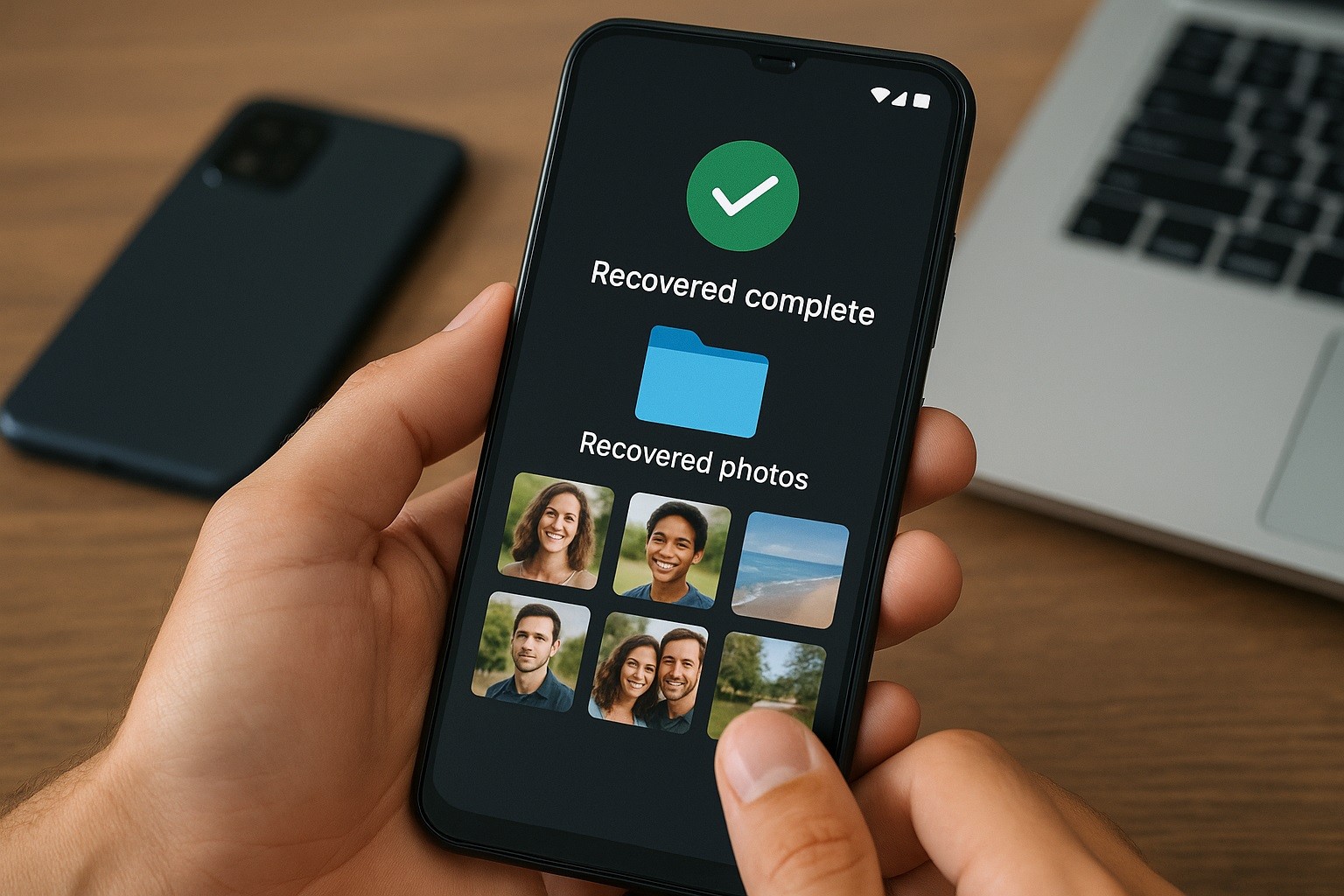
Prevention: Set Up Backups So This Never Happens Again
The surest defense against future loss is a belt-and-suspenders approach: automatic cloud backup plus a second copy you control.
Enable Android/Google One backup: Settings → Google → Backup. This backs up device data and, if you enable Photos backup in Google Photos.
Keep Google Photos backup ON and understand the Trash timeline (60/30 days). Consider periodically downloading important albums to your computer.
If you use Samsung Gallery, you can sync with OneDrive; if anything goes wrong, OneDrive offers Recycle Bin and Files Restore to roll back your library.
Bottom Line: Recover Deleted Photos on Android Phones
To recover deleted photos on Android phones, check every Trash/Recycle Bin you have (Photos, Files, Samsung Gallery, cloud accounts).
Accept that, on encrypted internal storage, truly permanently deleted photos are almost always unrecoverable on consumer devices.
Then invest in automatic backups and periodic exports so next time, you’ll have multiple paths to get your memories back.