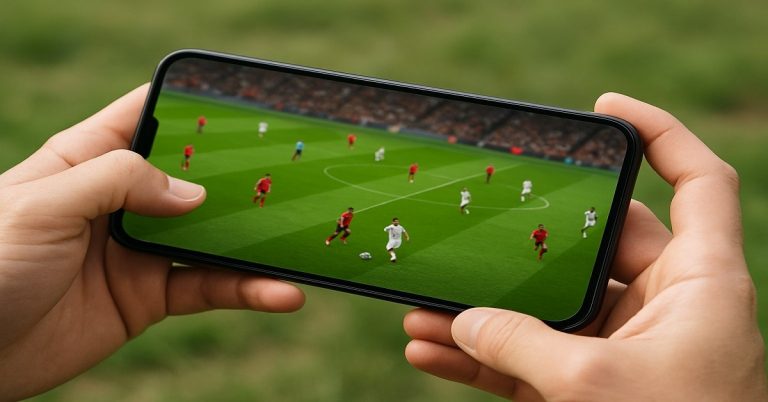
This watch free movies on phone 2025 guide explains each route, trustworthy apps, and shows you how to set up your phone to save data while staying safe.
Watching movies on your phone doesn’t have to cost a cent.


In 2025, there are three fully legal ways to do it: free ad-supported streaming services (FAST), library-powered apps, and public-domain archives.
What “Free” Means (And What It Doesn’t)
FAST apps stream licensed films at no cost and pay the bills with ads.
Library apps require a free public library card; some let you download for offline viewing.
Hoopla supports downloads; Kanopy streams only and does not permit offline downloads.
Public-domain archives host classic and independent cinema you can stream in your browser or supporting apps, such as the Internet Archive.
Avoid “free movie” sites, pirate apps, and sideloaded APKs. The U.S. Federal Trade Commission warns that illegal streaming apps and add-ons often carry malware. Stick to official app stores and known services.
The Best Legal Apps For Free Movies On Your Phone
Below are reliable options with strong mobile support. Install from your phone’s official app store (iOS App Store or Google Play).
- Tubi — Large ad-supported library with mobile casting support.
- Pluto TV — Live “channel” experience plus on-demand movies, with official iOS/Android apps.
- Amazon Freevee — Free with ads; available via the Freevee app or inside Prime Video in supported regions.
- The Roku Channel (mobile app) — Stream free movies and live TV directly in the Roku app on iOS/Android.
- Plex — Thousands of free movies and shows, plus free live TV, all in the Plex app.
- Xumo Play — Live channels and on-demand movies; official mobile apps.
- Fandango at Home (formerly Vudu) — Has a prominent Watch for Free section (alongside rentals).
- FilmRise — Free movies and series with no account required; official mobile app.
- Kanopy — Free (ad-free) with a library card; mobile apps and casting supported (no downloads).
- Hoopla — Free with a library card; many video titles allow mobile downloads for offline viewing.
- YouTube (Free with Ads) — Browse the “Movies & TV” area for titles labeled Free with ads; you can also adjust quality to save data.
- Internet Archive (browser) — Massive catalog of public-domain and archival films.
Availability varies by country and may change over time; check your local app store listing for your region.
Step-by-Step: Start Watching Free Movies on Your Phone
Open the App Store/Google Play, search for any app above, and install. Avoid third-party download sites.
Many FAST apps stream without an account; creating one helps you sync watchlists.
Follow the in-app prompts to link your public library card. Kanopy streams online; Hoopla often lets you download titles for offline viewing.
In Fandango at Home, look for Watch for Free. On YouTube, enter the Movies & TV section and look for “Free with ads.”
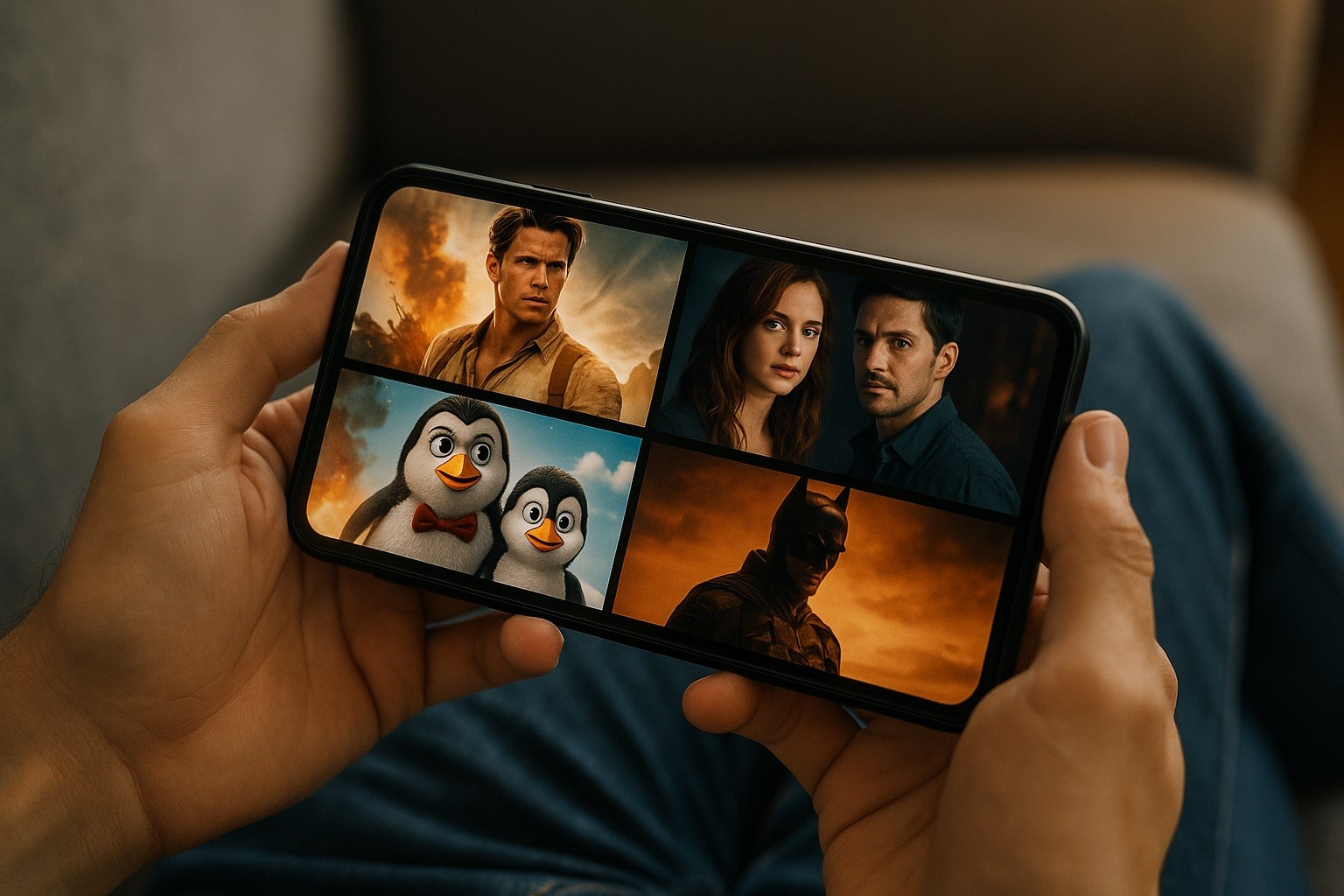
Data-Saving and Offline Tips
As a rule of thumb, video uses about 1 GB/hour (SD), up to ~3 GB/hour (HD), and up to ~7 GB/hour (4K). Lower quality = less data.
In YouTube’s Android app, you can set Data saver, Higher picture quality, or Advanced to pick a resolution. Similar options exist in many streaming apps.
Download when allowed. Hoopla supports mobile downloads for many titles. Kanopy does not offer offline downloads; you’ll need a connection.
Prefer Wi-Fi and set phone-level limits. Android includes a system Data Saver mode to curb background usage.
Safety & Legality Checklist
Choose services that license content (the apps above). Illegal “free movie” apps and add-ons can install malware or expose you to scams.
Avoid “downloaders” for locked services. Third-party tools that promise to rip streams often violate terms and increase your risk of malware.
Don’t sideload random APKs. Installing apps from outside official stores can bypass protections.
Mind permissions. If an app asks for excessive permissions (contacts, SMS), reconsider.
Quick Answers To Common Questions
Is this really free?
Yes—ad-supported services show commercials instead of charging a subscription. Library apps are funded by your library’s digital media budget. Plex, The Roku Channel, Freevee, Pluto TV, Xumo Play, Tubi, FilmRise, and Fandango at Home’s free section are all legitimate options with mobile support.
Do I need a VPN?
No. Content varies by country; using a VPN can violate service terms. Stick to what’s available in your region and rotate apps to find what you like.
Can I download movies for later?
It depends. Hoopla supports downloads on mobile for many items; Kanopy does not. Most ad-supported services are streaming-only.
Can I watch on a TV from my phone?
Yes, many mobile apps support Chromecast/AirPlay. The Roku mobile app also streams The Roku Channel directly on your phone.
A Simple Setup Plan (5 Minutes)
Install Tubi, Pluto TV, The Roku Channel, and Plex. That mix covers on-demand films and live channels.
If you have a library card, add Hoopla (for downloads) and Kanopy (arthouse/classics).
Open YouTube → Movies & TV, check the Free with ads row, and add a few titles to Watch later.
In each app, set video quality to “Auto” or a lower preset when on mobile data; switch to higher quality on Wi-Fi.
How Will 2025 Change This Landscape?
In 2025, the landscape of watching free movies on a phone has become more structured and reliable than it was just a few years ago.
The biggest shift has been the consolidation of free ad-supported streaming television, known as FAST.
At the same time, concerns about piracy and malicious apps have pushed regulators and tech companies to act more firmly against illegal streaming options.
The technical experience has improved. Phones are better equipped for streaming, with higher-resolution displays and adaptive streaming.
Bottom Line
Free, legal movie streaming is possible following this watch free movies on phone 2025 guide.
Combine a few reputable FAST apps with your library’s Hoopla/Kanopy access and the Internet Archive for classics.
Manage video quality to save data, download where it’s allowed, and steer clear of pirate apps to keep your phone—and your privacy—safe.