
Knowing how to find free Wi-Fi anywhere is crucial in today’s digital world.
Whether you are traveling, working remotely, or just trying to save on mobile data, knowing how to find free Wi-Fi hotspots is a valuable skill.



This guide provides practical tips, tools, and resources to help you connect safely and efficiently.
Understanding Free Wi-Fi Hotspots
Free Wi-Fi hotspots are public or semi-public internet connections that you can access without a subscription or payment.
They are commonly found in cafés, restaurants, airports, libraries, hotels, and shopping centers.
Some are open to anyone, while others may require a simple registration or app login.
While convenient, public Wi-Fi can expose your personal information if not used carefully. Identifying legitimate hotspots and protecting your data is essential.
Types of Free Wi-Fi Hotspots
Open Wi-Fi Networks require no password, often found in coffee shops or public squares. These are easy to access but less secure.
Some networks require a password, sometimes provided by staff or through a registration page. They offer slightly better security.
Wi-Fi Sharing Networks are created by users or apps that share their home Wi-Fi with others. Examples include Fon or Instabridge.
Municipal Networks are sponsored by cities or public institutions, offering free Wi-Fi in certain areas like parks or transit stations.
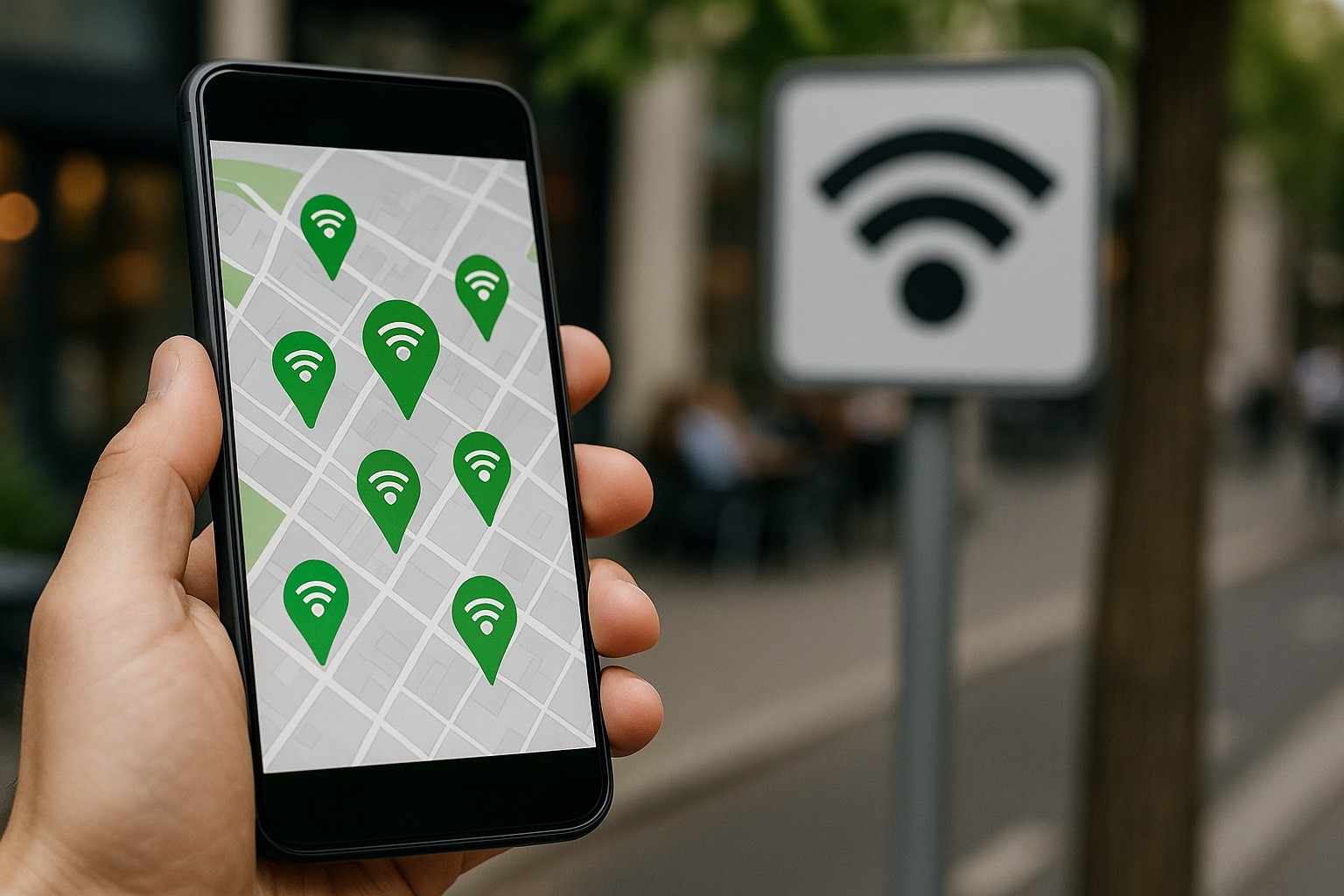
How to Find Free Wi-Fi Anywhere
Finding a hotspot is easier with modern tools.
1. Use Wi-Fi Map Apps
Wi-Fi map apps provide crowdsourced hotspot locations and passwords.
- Instabridge – Offers free hotspot locations in multiple countries. The app displays passwords when available and allows users to share new spots. Available on Google Play and App Store.
- Wi-Fi Map – Lists hotspots worldwide with user reviews, network speed, and security ratings. Free and premium options are available.
- OpenSignal – Primarily a signal tracker, it also shows public Wi-Fi locations nearby.
These apps let you plan your route based on available hotspots and can save mobile data.
2. Check Cafés, Restaurants, and Retail Chains
Many businesses offer free Wi-Fi as part of their service. Large chains often provide consistent access.
Starbucks, McDonald’s, and Dunkin’ Donuts are in many countries; also retailers such as Target, Walmart, and IKEA.
Always ask the staff for the network name and password to avoid connecting to fake hotspots.
3. Use Libraries and Public Institutions
Libraries, community centers, and city halls often provide free Wi-Fi. These networks are generally safer than open public networks.
Municipal Wi-Fi networks in cities like New York, São Paulo, or London offer free access in public squares or transit hubs.
Local government websites usually provide maps of available locations.
4. Rely on Hotels and Hostels
Even if you are not staying overnight, some hotels or hostels allow visitors to use Wi-Fi in lobbies or cafés.
It is polite to ask for permission and confirm usage policies. Some hotels also offer free Wi-Fi codes through loyalty programs or mobile apps.
5. Explore Transportation Hubs
Airports, train stations, and bus terminals often provide free Wi-Fi.
These connections can be slow due to heavy traffic, but they are useful for checking emails or maps.
Many airports now require email registration or temporary login credentials to access the network.
Tips for Safe Public Wi-Fi Use
Public Wi-Fi networks are convenient but can be risky. Hackers may intercept your data, so follow these safety measures.
Besides learning how to find free Wi-Fi anywhere, you must learn how to keep your integrity and safety.
Use a VPN
A Virtual Private Network encrypts your connection, protecting passwords and personal information.
Popular options include NordVPN, ExpressVPN, and ProtonVPN.
Avoid Sensitive Transactions
Refrain from online banking or shopping on open networks unless you use a secure connection.
Keep Firewalls Active
Ensure your device’s firewall is enabled to block unauthorized access.
Prevent automatic connections by forgetting the hotspot once you leave the area.
Always use secure websites with HTTPS when transmitting personal information.
Combining Apps with Device Settings
Modern devices make it easier to connect safely to public networks. Combining these settings with hotspot apps increases efficiency and safety.
iOS Devices – Use “Auto-Join Hotspot” to automatically connect to known networks. Disable this for unknown networks.
Android Devices – Enable Wi-Fi scanning to find nearby hotspots but turn off automatic connections to open networks.
Windows and macOS – Configure your system to notify before connecting to unsecured networks and prefer known networks.
Using Wi-Fi Without an App
Check Google Maps and search “free Wi-Fi near me” to see cafés, libraries, and other locations with ratings and reviews.
Many travel and tech blogs share updated hotspot lists, especially in large cities.
Business staff, taxi drivers, or fellow travelers often know reliable hotspots in the area.
These methods are practical when app installation is not an option.
Saving Mobile Data with Offline Planning
Download Hotspot Maps in Advance. Many apps allow offline access to hotspot maps.
Save Passwords. Note down hotspot passwords for locations you know you will visit.
Enable Offline Navigation. Download maps and guides offline to reduce Wi-Fi dependency.
This approach ensures you can stay connected even when networks are temporarily unavailable.

Additional Considerations
Some hotspots have limitations:
- Time Limits – Public Wi-Fi often restricts session duration.
- Bandwidth Limits – Heavy downloading or streaming may be blocked or slow.
- Security Warnings – Pay attention to warnings about unencrypted networks.
- Regional Restrictions – Hotspots may require regional apps or registrations in some countries.
Understanding these constraints helps manage expectations and plan better connectivity.
Benefits of Using Free Wi-Fi Hotspots
Free Wi-Fi offers practical advantages:
- Cost Savings – Reduces mobile data usage and roaming fees.
- Accessibility – Provides internet access in areas with weak mobile coverage.
- Productivity – Enables work, study, or communication without interruption.
- Travel Convenience – Supports navigation, booking, and local research.
By using hotspots strategically, you can enhance both work and leisure experiences.
Conclusion
How to find free Wi-Fi anywhere? Just use the right tools and safety measures.
Apps like Instabridge, Wi-Fi Map, and OpenSignal help you locate reliable connections worldwide.
Take action now: download a hotspot app, explore local networks, and enjoy seamless internet access on the move.